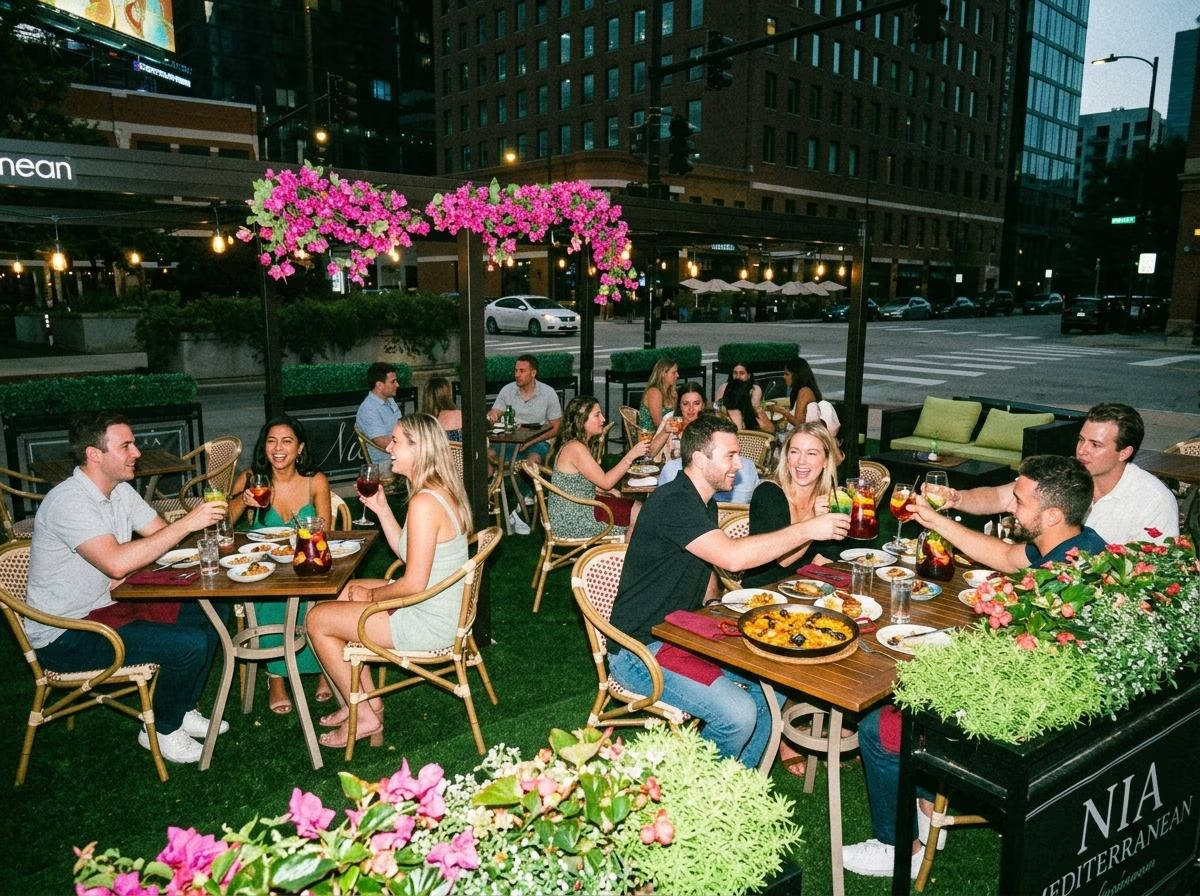
Planning a Business Presentation and Dinner at a Chicago Restaurant
A business presentation and dinner at a Chicago restaurant can bring colleagues, clients, or partners together for both a focused update and a shared meal. To make the evening work, plan the presentation and dinner as two connected parts: confirm the room and equipment first, set a realistic schedule, and choose a menu that fits the timing.
Restaurants vary in the equipment and room arrangements they can provide. Before booking, ask whether the venue has the screen, TV, HDMI connection, audio, and seating layout your presentation requires. Confirm the answers directly with the event team before you build the plan around them.
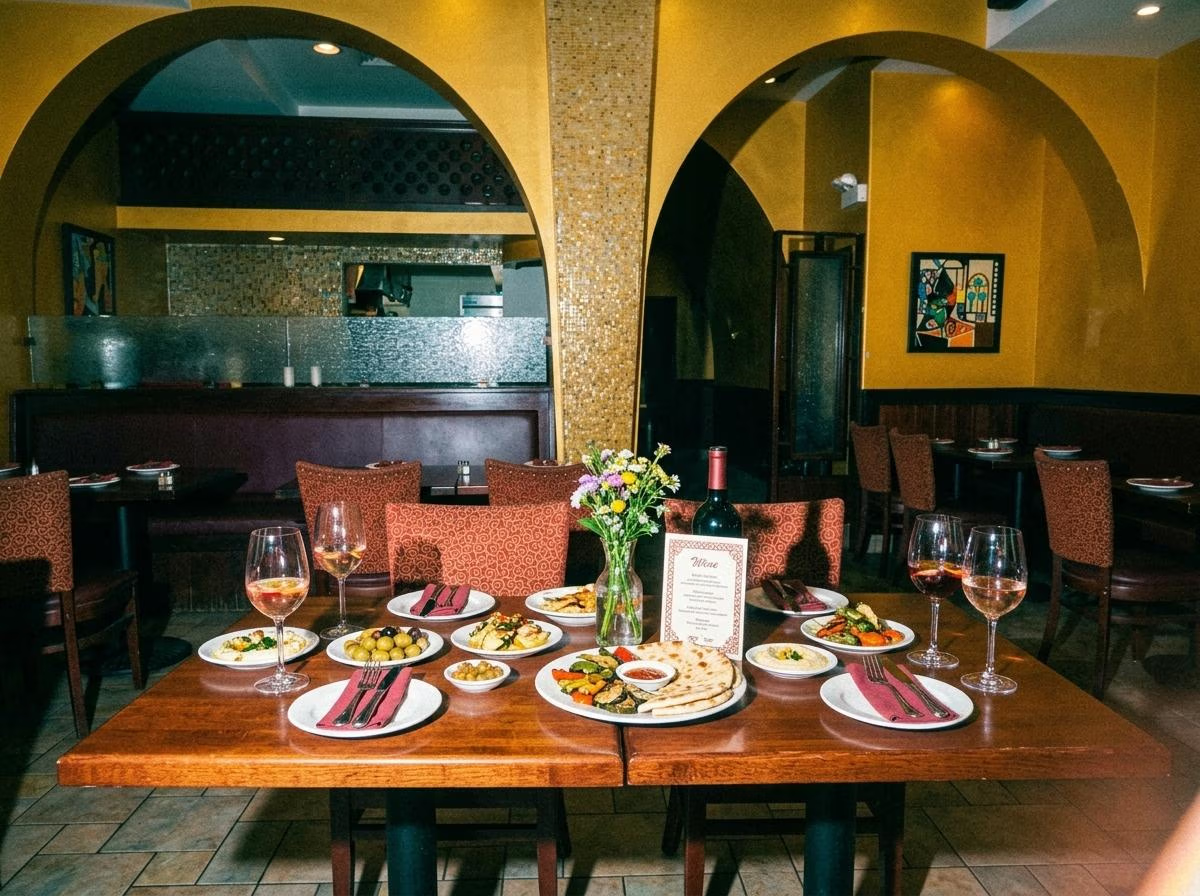
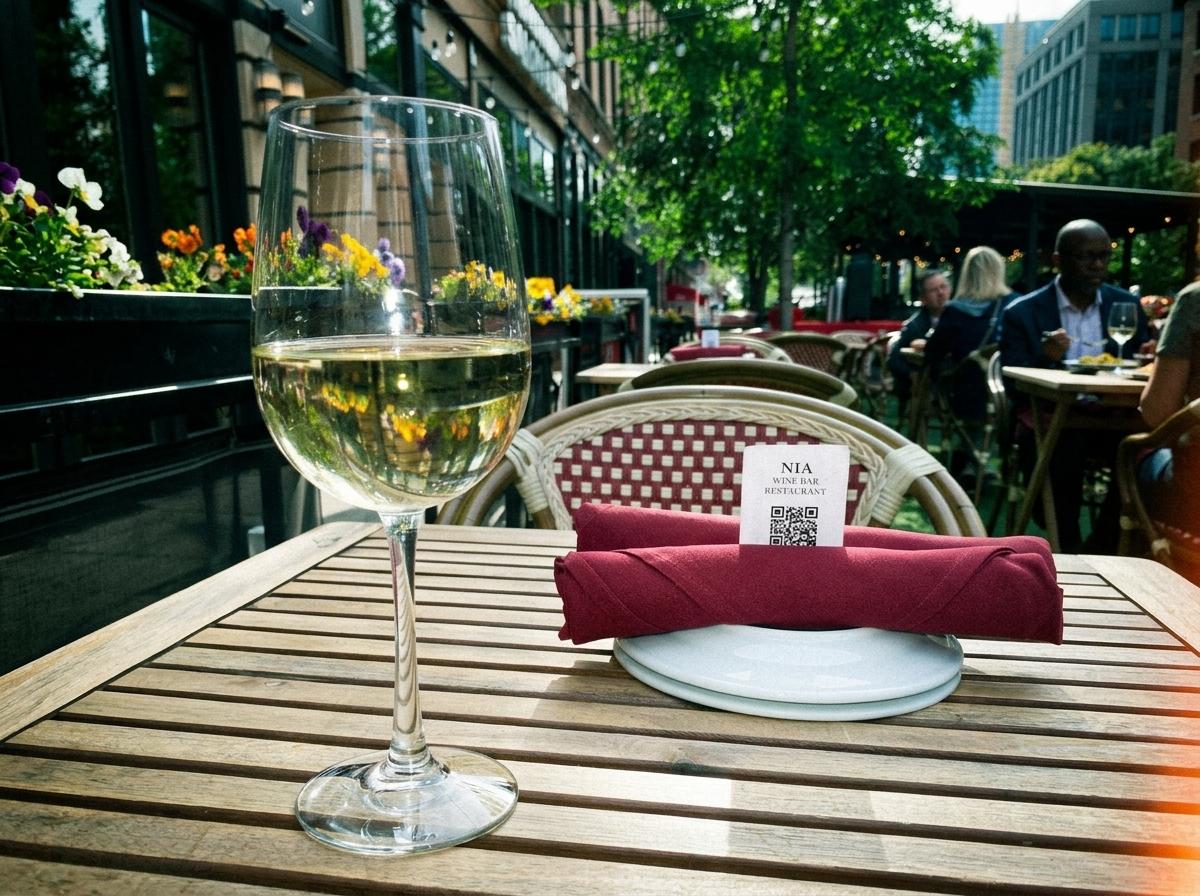
Nia Restaurant and Wine Bar in Chicago’s West Loop offers group dining with a family-style tasting menu. If you are considering Nia, include your presentation needs, preferred date, estimated guest count, and schedule in your inquiry. The team can confirm which arrangements are available for your event.
Key takeaways
- Confirm presentation equipment and room setup before booking; never assume a restaurant has the AV you need.
- Hold the presentation before dinner service begins or schedule a clear transition between the two.
- Ask how menu format, course timing, dietary needs, and beverages fit your event schedule.
- Share your guest count, presentation length, equipment list, and end time with the venue.
- For a business presentation and dinner at Nia, send the event team your details.
Decide what the presentation needs to accomplish
Start by identifying the purpose of the presentation. You may be sharing a company update, introducing a product, presenting a proposal, or giving a brief overview before a client dinner. A clear goal helps you decide how much time to allocate and what equipment is necessary.
A restaurant setting usually works best for a focused presentation rather than a long training session or detailed working meeting. If your presentation involves multiple speakers, extensive slides, audience participation, or confidential material, explain that to the venue when you inquire. The team can tell you whether the space and setup are appropriate.
Keep the content focused. If guests need to review detailed documents, consider sharing them before the event. That lets the presentation stay concise and leaves more time for conversation over dinner.
Confirm the AV before choosing the venue
Do not assume that a restaurant can support a presentation just because it hosts business events. Ask specifically about the equipment and setup you need, including:
- A TV or projection screen and its size.
- An available HDMI connection or other compatible input.
- Whether guests can see the screen from their seats.
- Audio support if the presentation includes video or remote speakers.
- Power outlets and a stable place for a laptop.
- Whether the venue can provide or test the equipment before guests arrive.
Confirm compatibility with the device and presentation software you plan to use. If your laptop needs an adapter, bring one and test it in advance. Ask whether there is a backup plan if the connection or equipment does not work.
Nia’s current Corporate Events page does not list specific presentation equipment. If you are considering Nia for a presentation dinner, ask the team whether a TV, HDMI connection, or other AV setup is available for your date before making plans around it.
Plan the room and seating
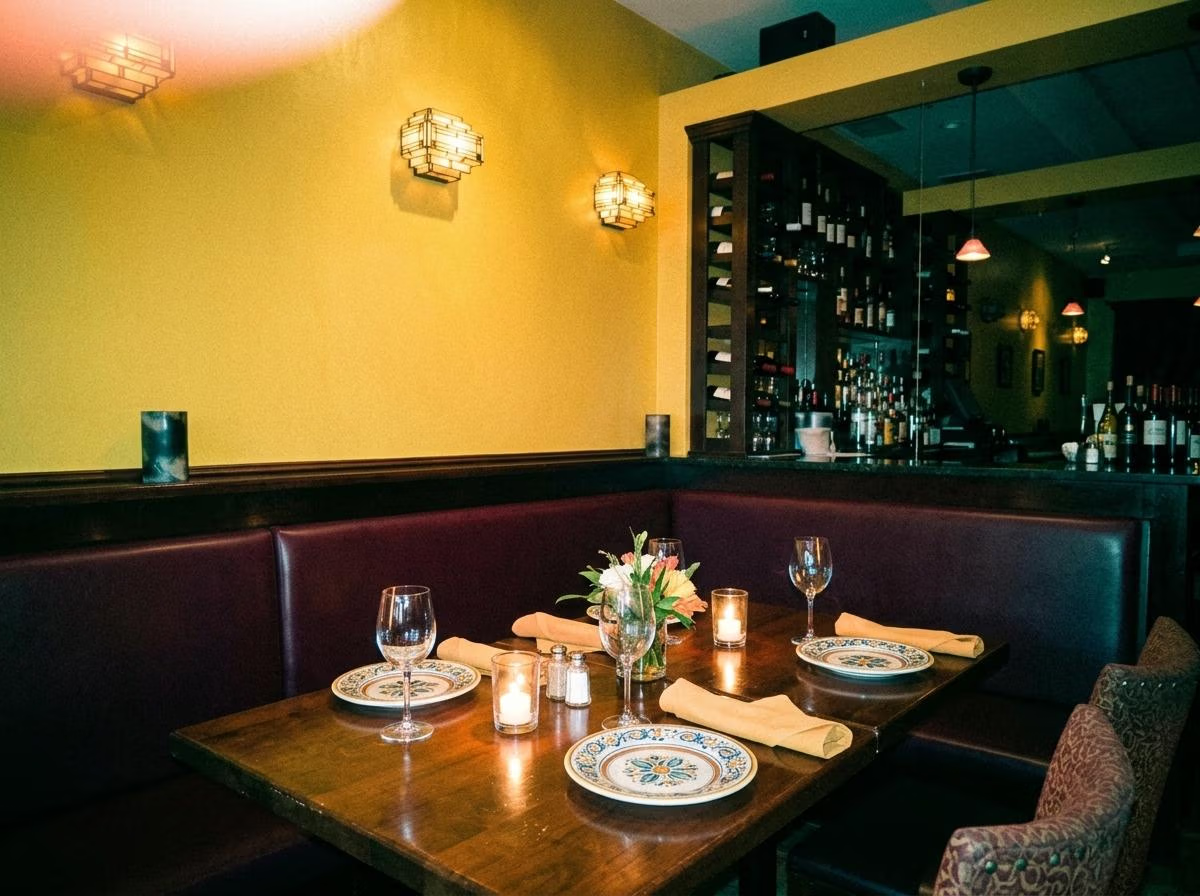
The seating arrangement should work for both the presentation and the meal. Guests need a clear view of the screen during the talk and a comfortable arrangement for dinner afterward. Ask whether the venue can provide one setup for both parts of the evening or whether the room would need to be rearranged.
Consider the size of the group and how interactive the presentation will be. If attendees may ask questions, leave space for discussion and make sure people can hear the presenter. If the presentation is mainly a short update, a simpler arrangement may be enough.
Privacy may also matter. If the presentation covers confidential business, ask how private the room is, whether other diners will be nearby, and who may enter during the event. Do not treat a private booking as a guarantee of confidentiality; confirm what the space actually provides.
Build a realistic event schedule
A clear schedule helps the restaurant coordinate service and helps guests understand what to expect. Decide when attendees should arrive, how long the presentation will last, when dinner service should begin, and when the event is expected to end.
For many events, presenting before dinner starts can make the evening easier to follow. Guests can focus on the slides without food arriving or servers needing access to the table. Another option is to serve a brief welcome or drinks period before the presentation, then begin dinner afterward. Ask the venue which sequence it can support.
|
Event stage |
Planning detail |
|
Guest arrival |
Set a clear arrival time and allow for people coming from work or another meeting. |
|
Welcome |
Introduce the host and explain the purpose of the gathering. |
|
Presentation |
Confirm the length, equipment, seating, and time for questions. |
|
Transition |
Allow a few minutes to move from the presentation into dinner service. |
|
Dinner |
Confirm the menu format, service pace, and dietary arrangements. |
|
Close |
Set an expected end time and explain any next steps to attendees. |
Share the schedule with the restaurant in advance. If dinner has a strict end time, say so when you inquire and ask whether the menu can fit the available window.
Choose a menu that fits the presentation and dinner
The meal should complement the event rather than interrupt it. Ask whether dinner will be served after the presentation, whether any food or drinks can be served beforehand, and how long the selected menu typically takes.
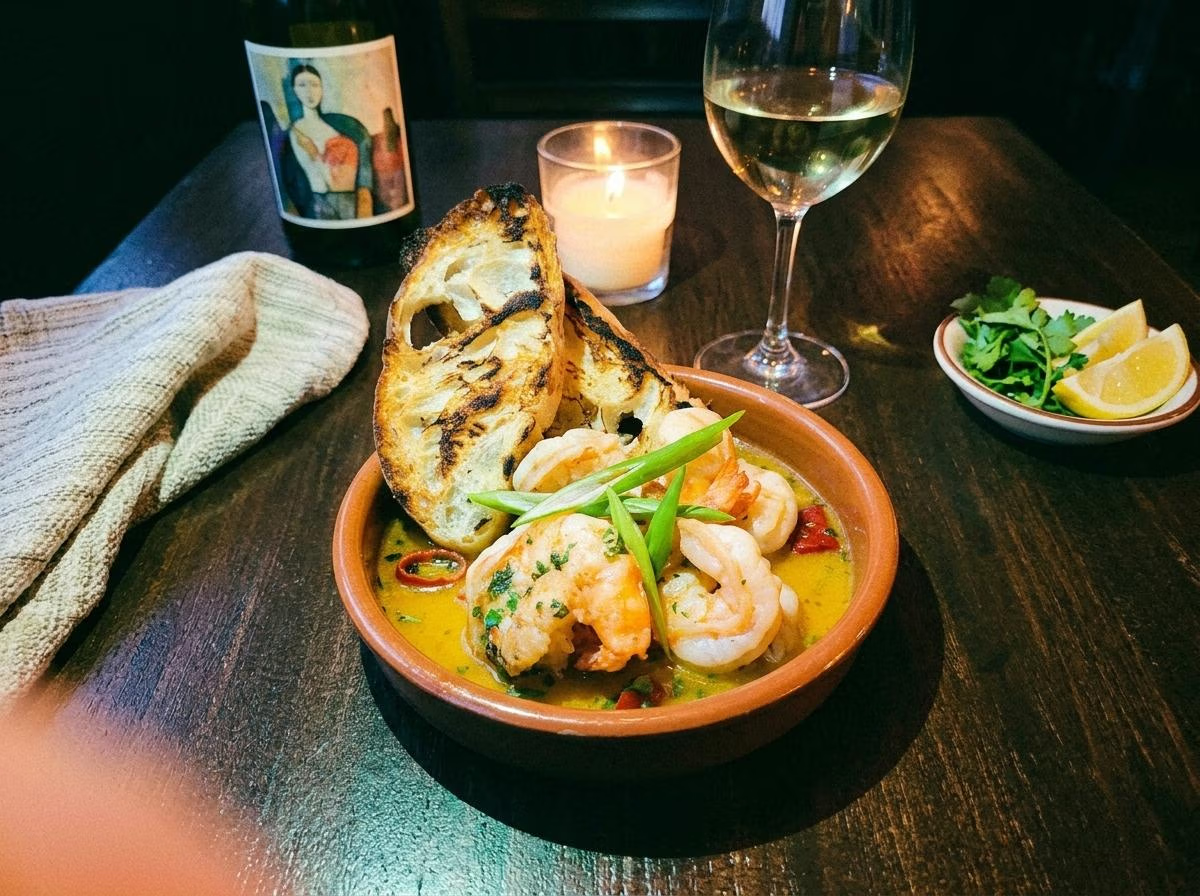
Nia’s group dining information describes a family-style tasting menu. Shared dining can work well for a conversational meal, but ask how it will be served and whether it fits your schedule. Confirm current selections, pricing, beverage options, and dietary accommodations directly with the restaurant.
If guests have allergies or dietary restrictions, collect that information before the event and send it to the venue. For serious allergies, confirm with the restaurant what it can safely accommodate. If the presentation runs during a reception or meal, ask how service will be coordinated so that guests can hear and participate.
Prepare for the presentation in advance
A restaurant event has more moving parts than a presentation in an office or conference room. Test your slides on the actual device you will use, save a backup copy, bring any necessary adapters, and make sure the presentation can run without an internet connection if needed.
Assign one person to manage the laptop and another to coordinate with the venue. That way, the presenter can focus on speaking while someone else handles the connection, timing, and transition to dinner. Arrive early enough to test the equipment and confirm that the seating and screen position work from the guests’ seats.
Keep the presentation concise and rehearse the transition to dinner. A clear closing line, brief questions, and a host welcome can help the event move naturally into the meal.
Confirm the budget, payment, and event terms
Before confirming the booking, ask for a current estimate covering the menu, beverages, taxes, gratuity, deposit, minimum spend, and any room or event charges. Clarify which items are included and how the final bill will be handled.
If the company is paying, check whether you need an itemized receipt and confirm the payment method. If attendees will pay individually, ask whether separate checks are available. Confirm the cancellation policy and the deadline for providing the final guest count.
Plan a presentation dinner at Nia
Nia Restaurant and Wine Bar is located in Chicago’s West Loop and offers group dining with a family-style tasting menu. If you are considering the restaurant for a business presentation and dinner, share your event purpose, date, estimated guest count, schedule, and equipment requirements with the team.
Ask Nia to confirm whether the available space can support your presentation, including the screen, TV, HDMI connection, audio, and seating setup you need. Also confirm the current menu, pricing, dietary accommodations, and event terms before inviting attendees.
Ask Nia about a presentation and dinner
You can also review Nia’s Corporate Events page and group menu.
Frequently asked questions
Can you hold a business presentation at a restaurant?
Some restaurants can accommodate short presentations, but the available space and equipment vary. Ask about the screen, connection type, audio, seating, privacy, and timing before booking.
Should the presentation happen before or during dinner?
Presenting before dinner service begins often makes it easier for guests to focus. If you want the presentation during the meal, ask the venue whether the schedule and service can be coordinated around it.
What should I ask about HDMI and presentation equipment?
Ask whether the venue has a TV or screen, which connections it supports, whether audio is available, and whether the seating lets every guest see the display. Confirm compatibility with your laptop and bring any required adapters.
Does Nia have a TV or HDMI connection for presentations?
Nia’s Corporate Events page does not list specific AV equipment. Contact the team to confirm whether a TV, HDMI connection, or other setup is available for your date.
Does Nia offer a group menu for business dinners?
Nia’s group dining information describes a family-style tasting menu. Check the current group menu and confirm current selections, pricing, and availability directly with the restaurant.
How do I inquire about a presentation dinner at Nia?
Send your preferred date, estimated guest count, presentation length, equipment needs, and menu questions through Nia’s event inquiry form.